Every attempt, approved or declined.
One record per card payment attempt: where it comes from, what it holds, and why it never feeds a refund decision.
The attempt list
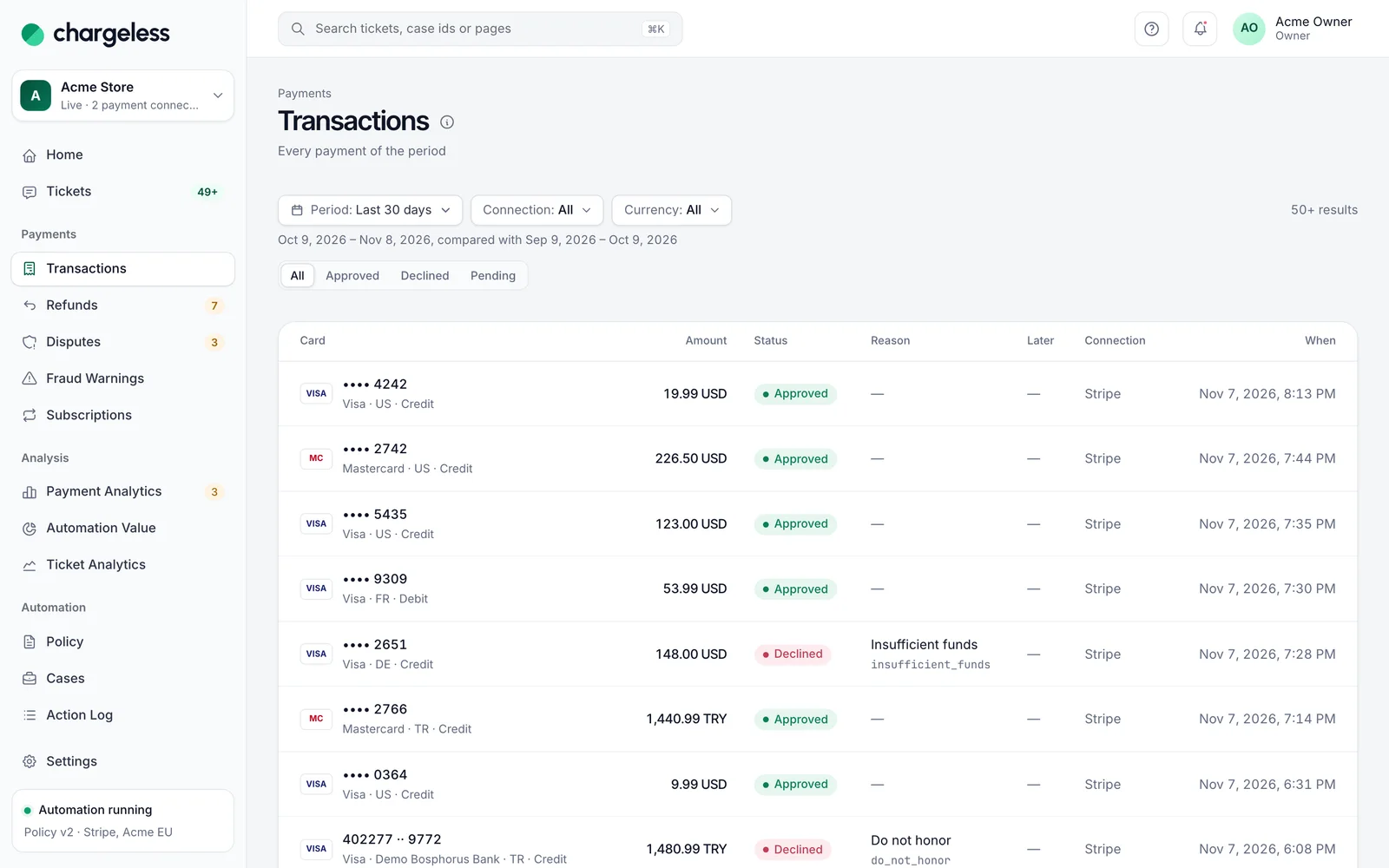
Every attempt, newest first: masked card, amount, outcome, decline reason and later fraud warnings or disputes. It follows the same filters as the reports.
- Approved, declined, pending
- Decline reason and code
- Later warnings flagged
Where the attempts come from
From your payment provider’s events as they happen (Stripe today), plus 13 months of history at go-live. Your own system can report attempts through the contract’s optional call.
- Provider events, live
- 13 months at go-live
- Your system, optionally
Payment connections
Stripe · EU store
EUR · acct_1Q…
Stripe · US store
USD · acct_1P…
Your payment system
REST · TRY
More payment providers
On the roadmap
What an attempt holds
Amount and currency, outcome and code, card brand, last four, country and type, plus issuer, BIN and risk score when sent. Never a full card number, expiry or security code.
- Amount with its currency
- Brand, last four, country
- No full card data
Analytics only, never a decision
The policy engine never reads attempts. A decline pattern never changes what a customer is told.
- Not read by the policy
- For owners, admins, analysts
- Separate from decisions
The AI assistant
- Understands what the customer is asking for
- Clarifies which payment and why
- Proposes a refund or cancellation
- Never contacts a payment provider
- Never decides who is eligible
The Chargeless platform
- Applies your published policy and limits
- Reads the refundable amount from the ledger
- Records every action before executing it
- Sends each action with one key, so a retry never starts a new one
- Stores the policy version and the data behind each decision
More in Payment analytics
Start with low limits. Raise them when the record shows it works.
Start in test mode, run your policy against your own history, and go live when the results meet your standards.
- 1A test workspace on your provider’s test mode
- 2Your past requests replayed against your policy
- 3Live with low limits, raised as the record allows