Connect the systems you already use.
One snippet adds the chat to your site. Every other system is a connection you manage in Settings.
Refunds and cancellations where your money moves.
What each connection does. A connection goes live only after it passes its checks.
- Stripe
Refunds, subscription cancellations, dispute evidence with Visa CE 3.0, early fraud warnings and guest payments.
- PayPal
Refunds, cancellations read back, disputes accepted or answered with evidence, an hourly account feed.
Refunds and webhooks for card processing.
- Paddle
Merchant of record. Refunds, cancellations and order line items, connected with one paste.
- FastSpring
Merchant of record. Refunds, cancellations and order line items.
- nuvei
Refunds read back, Nuvei subscriptions cancelled, first chargebacks and fraud reports handled.
- dLocal
Refunds across local payment methods, with payments read back.
- ecommpay
Refunds and the go-live history import through its Data API.
- Your own billing system
Implement one open contract over REST or MCP, and check it with the providercheck kit before going live.
Live in three steps
- 1
Connect your payments
A provider account or your own system, checked before going live.
- 2
Publish your policy
Start from a preset, adjust, replay on your history.
- 3
Add the chat and channels
One script tag, Zendesk or your inbox, and a handoff destination.
Support
ZendeskAvailable
Ticket intake, write-back and escalations
Helpdesk webhookAvailable
Any helpdesk through one signed endpoint
Email inboxAvailable
Replies threaded into tickets
Your systems
Signed webhooksAvailable
Escalations, outcomes and payment alerts
Chat widgetAvailable
One script tag, seven languages
API keysAvailable
For your own back office
Every connection in one place
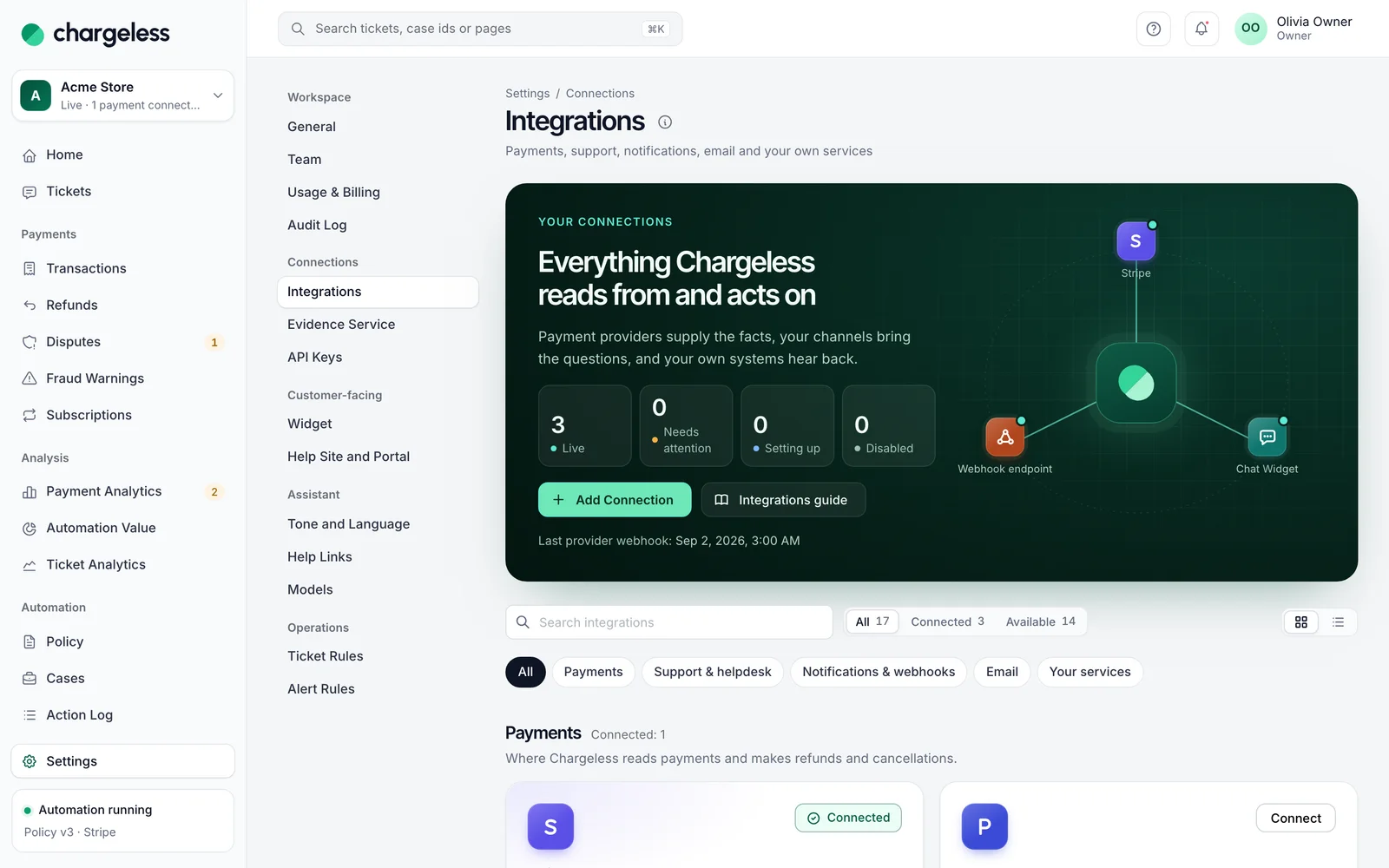
Payments, helpdesks, inboxes, the chat and webhooks, each with its status and last check.
Events your systems can act on
Signed events for handoffs, completed actions, reversed refunds and payment alerts.
handoff.requestedaction.executedaction.failedrefund.reversedticket.handed_to_teampayment_alert.opened
# Signed webhook
POST https://yourapp.example/hooks
X-SupportRoute-Event: handoff.requested
X-SupportRoute-Timestamp: 1761210000
X-SupportRoute-Signature: v1=4b7d…90ce

{
  "type": "handoff.requested",
  "data": {
    "decision": { "reasons": [{ "code": "outside_window" }] },
    "ticket": { "number": 1182 }
  }
}
Add the chat to your site
An isolated frame in your brand color, in seven languages. The assistant replies in the customer’s language.
- English
- Türkçe
- Español
- Português (BR)
- Français
- العربية
- Русский
<!-- Paste before </body> -->
<script
  src="https://cdn.chargeless.io/v1/loader.js"
  data-tenant="YOUR_WORKSPACE_ID"
  data-locale="en"
  data-theme-primary="#0f766e"
></script>

// Signed-in customers skip the email code
Chargeless.identify(signedToken);
Start with low limits. Raise them when the record shows it works.
Start in test mode, run your policy against your own history, and go live when the results meet your standards.
- 1A test workspace on your provider’s test mode
- 2Your past requests replayed against your policy
- 3Live with low limits, raised as the record allows