One page per case, payment to result.
One request, one page, answering the question every support team gets: why did this customer get this?
A number and a summary
Cases are numbered from 1, so “case 348” is enough. A summary, the payment, the ticket link and a timeline of every event, with internal notes.
- Case numbers per workspace
- A timeline of every event
- Internal notes
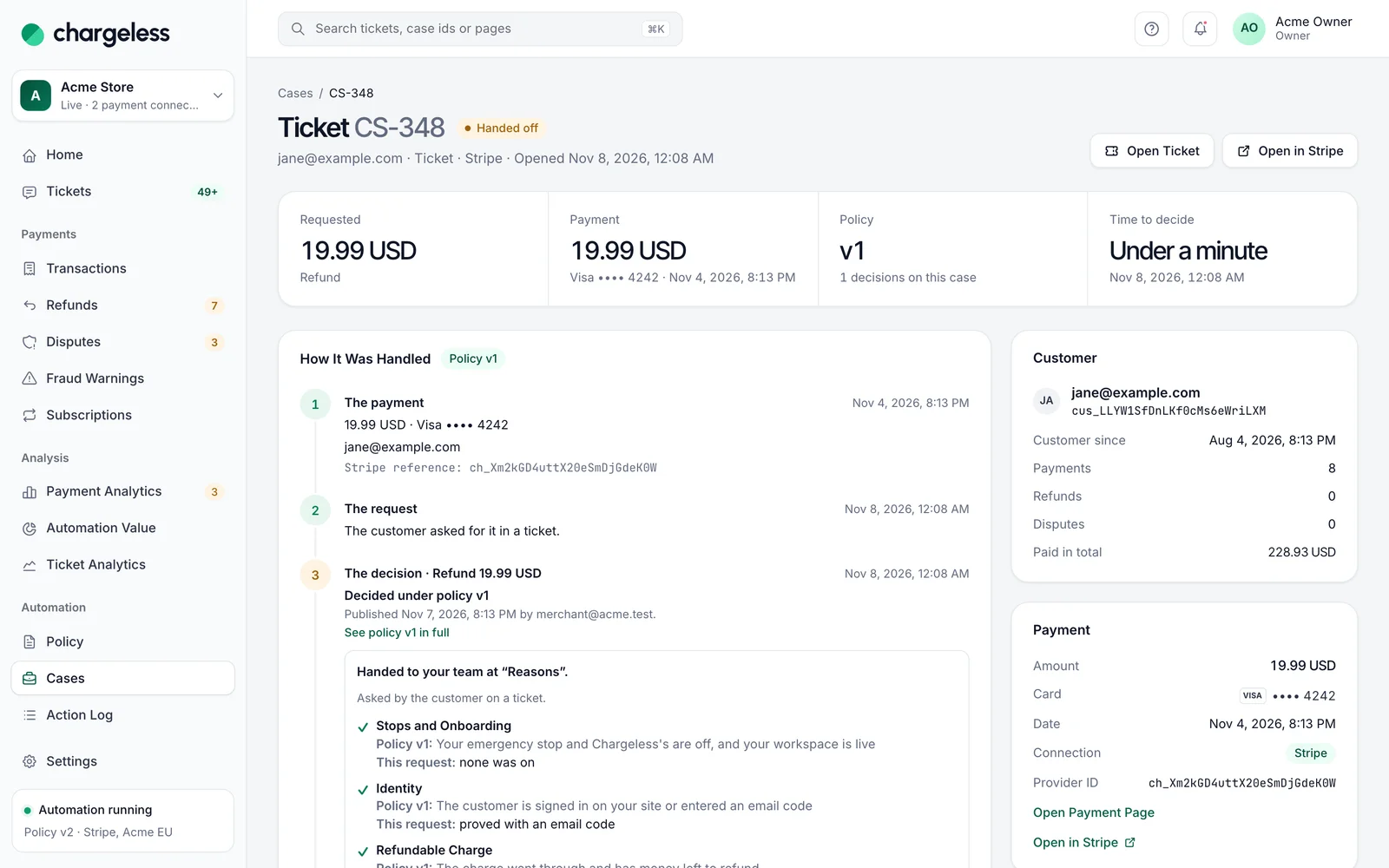
How it was handled, step by step
Each decision lists the policy’s steps in plain words: what the policy said, what this request had, and whether it passed. The raw trace sits under Technical details.
- Policy, request, result per step
- The provider’s result
- The trace under Technical details
Refunded €29.00 to Visa •• 4242. Requested in chat by a customer verified through your site’s signed login. Decided under policy v12.
- ✓step 1
The workspace is live and not stopped
No emergency stop, no operator hold
- ✓step 4
Charged 14 Oct, requested 16 Oct
Refund window: 30 days
- ✓step 5
€29.00 is under the automatic limit
Limit: €100.00 per refund
- ✓step 6
First refund for this customer in 30 days
Limit: 3 refunds
The policy version behind every decision
Every decision names its policy version, its publisher and their note, with a link. Overrides by a teammate are named on the case.
- Version, publisher and note
- A link to the version
- Overrides named
More in Cases
Start with low limits. Raise them when the record shows it works.
Start in test mode, run your policy against your own history, and go live when the results meet your standards.
- 1A test workspace on your provider’s test mode
- 2Your past requests replayed against your policy
- 3Live with low limits, raised as the record allows